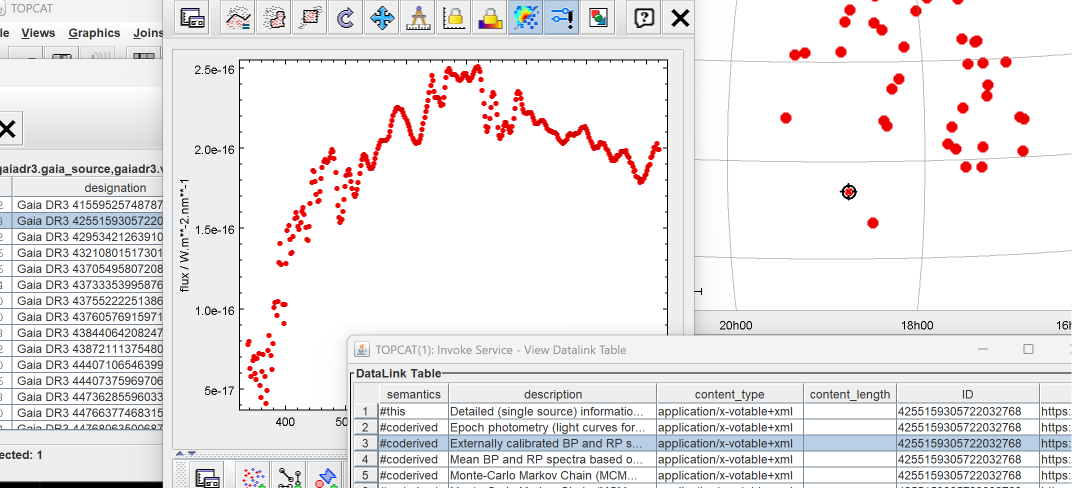
These instructions will allow you to browse through spectra of RR Lyrae variable stars in your region of interest using TOPCAT.
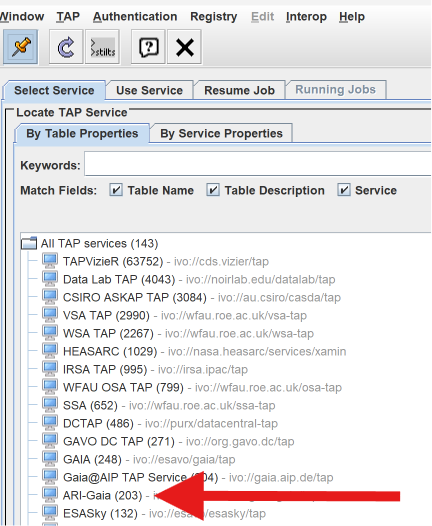
Open the TAP Query Window.

Select the ARI-Gaia Service.
To search for the variable stars, specify the RA and DEC of your region center and type in the following ADQL text:
SELECT * FROM gaiadr3.gaia_source
WHERE 1=CONTAINS(POINT('ICRS', ra, dec), CIRCLE('ICRS', 271.83743686, 9.56384673, 20.0))
  AND has_xp_sampled = 'True'
  AND source_id IN (
    SELECT source_id
    FROM gaiadr3.vari_rrlyrae
    WHERE int_average_g < 13
  )
Run Query and close the TAP window.
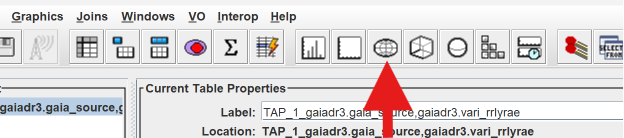
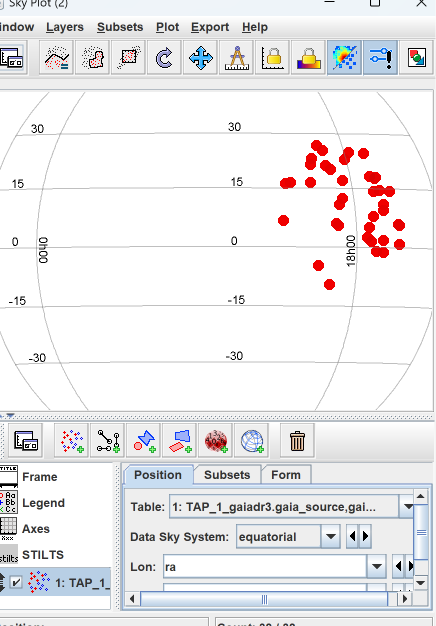
Next, plot the variable star positions on the Sky Plot.
The default should display the positions in the equatorial system.
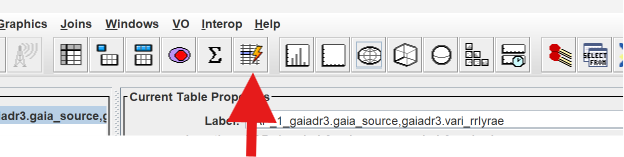
Next, open the Actions window.
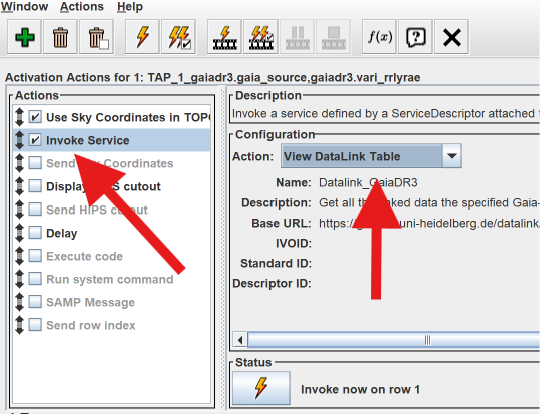
In the Actions window, check Invoke Service and choose View DataLink Table for the Action.
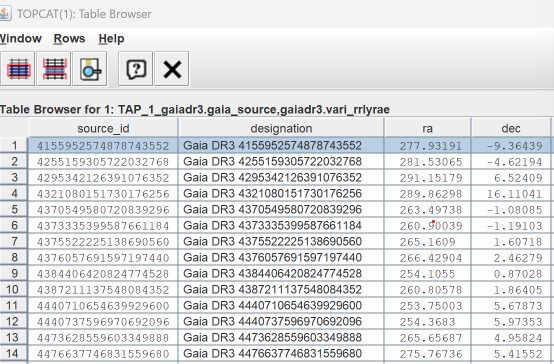
Double click your table to open it.
When you click on any row, the action will automatically launch the DataLink Table. In the DataLink Table, choose Externally calibrated … spectra. For Action, choose Plane Plot Table, and check Auto-Invoke.
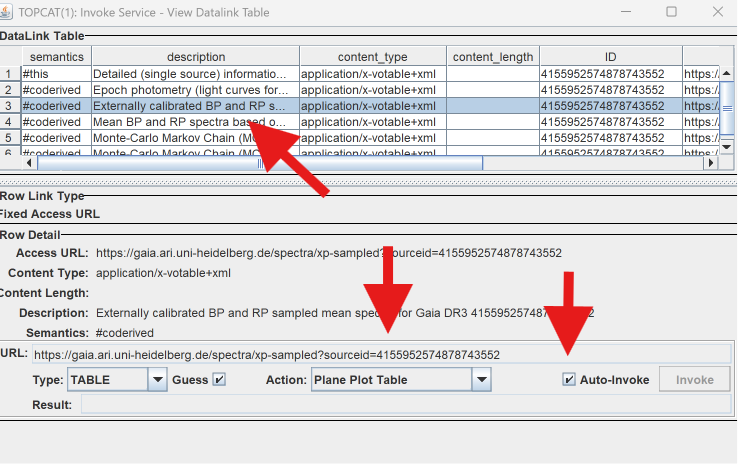
From here on, when you click on any row in your Table, the RR Lyrae spectrum will be shown in the Plane Plot and the position of the RR Lyrae will be highlighted on the Sky Plot.